New Model
GPT Image 2. OpenAI’s state of the art model
Native 4K output. Multi-turn edits. Masked region control. A new standard for fidelity across your entire workflow.
Available now. No waitlist.
Performance
Built for professional workflows
Native 4K output
Render up to 3840 by 2160 in a single pass. Flexible aspect ratios up to 3:1, with edges in multiples of 16.
Multi-turn edits
Refine images across a conversation via the Responses API. GPT Image 2 builds on the previous output instead of starting from scratch.
Masked region edits
Attach an RGBA mask and GPT Image 2 uses it to guide edits to a specific region. The alpha channel marks the zone to change.
Partial image streaming
Up to three partial frames can stream while the final decodes, so the UI shows progress instead of a blank box.
High fidelity input
GPT Image 2 always processes reference images at high fidelity. There is no flag to toggle, identity and fine detail carry through automatically.
Quality tiers
Low, medium, and high quality settings for the same prompt. Draft at low for speed, re-run at high when the composition is locked.
Gallery
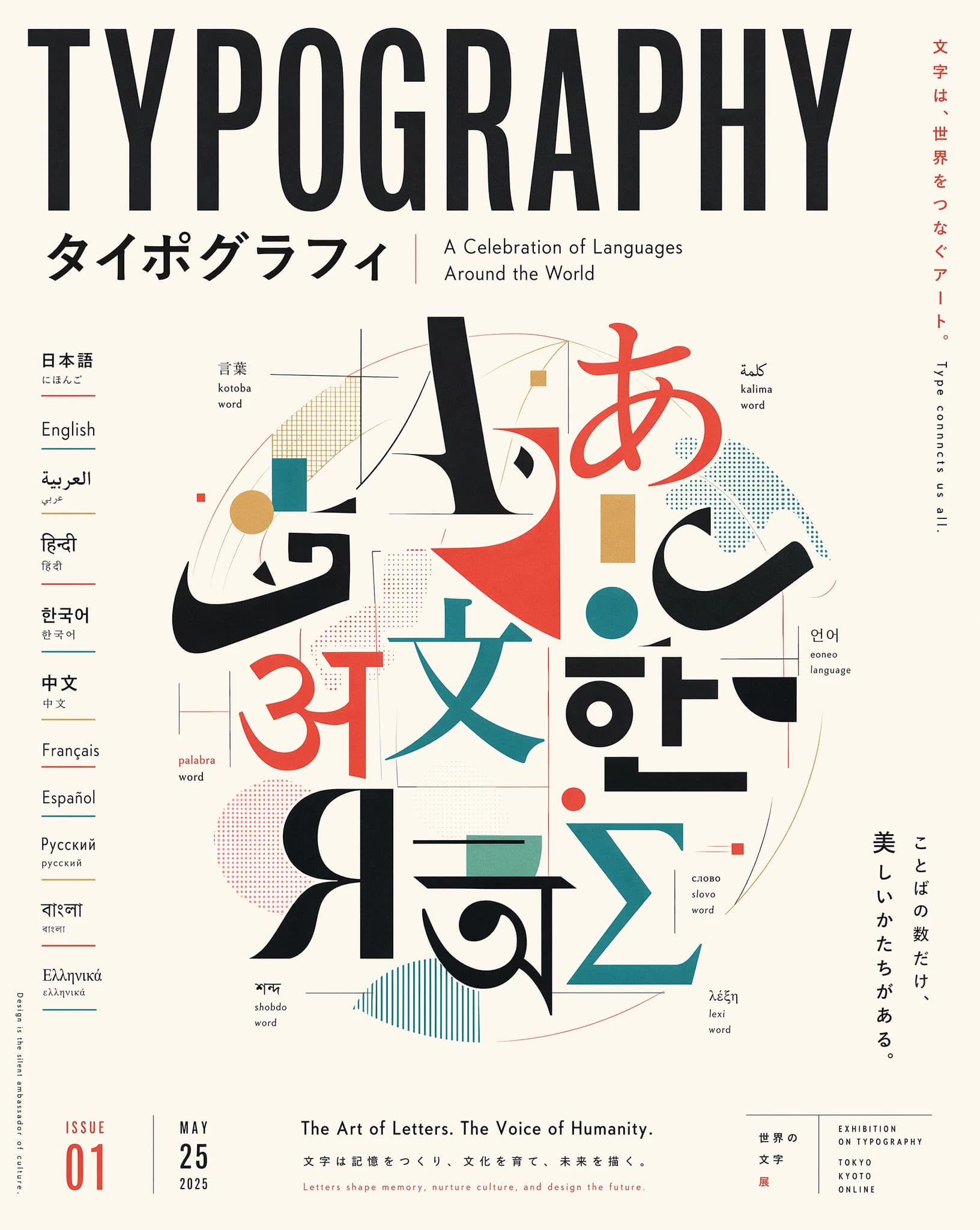
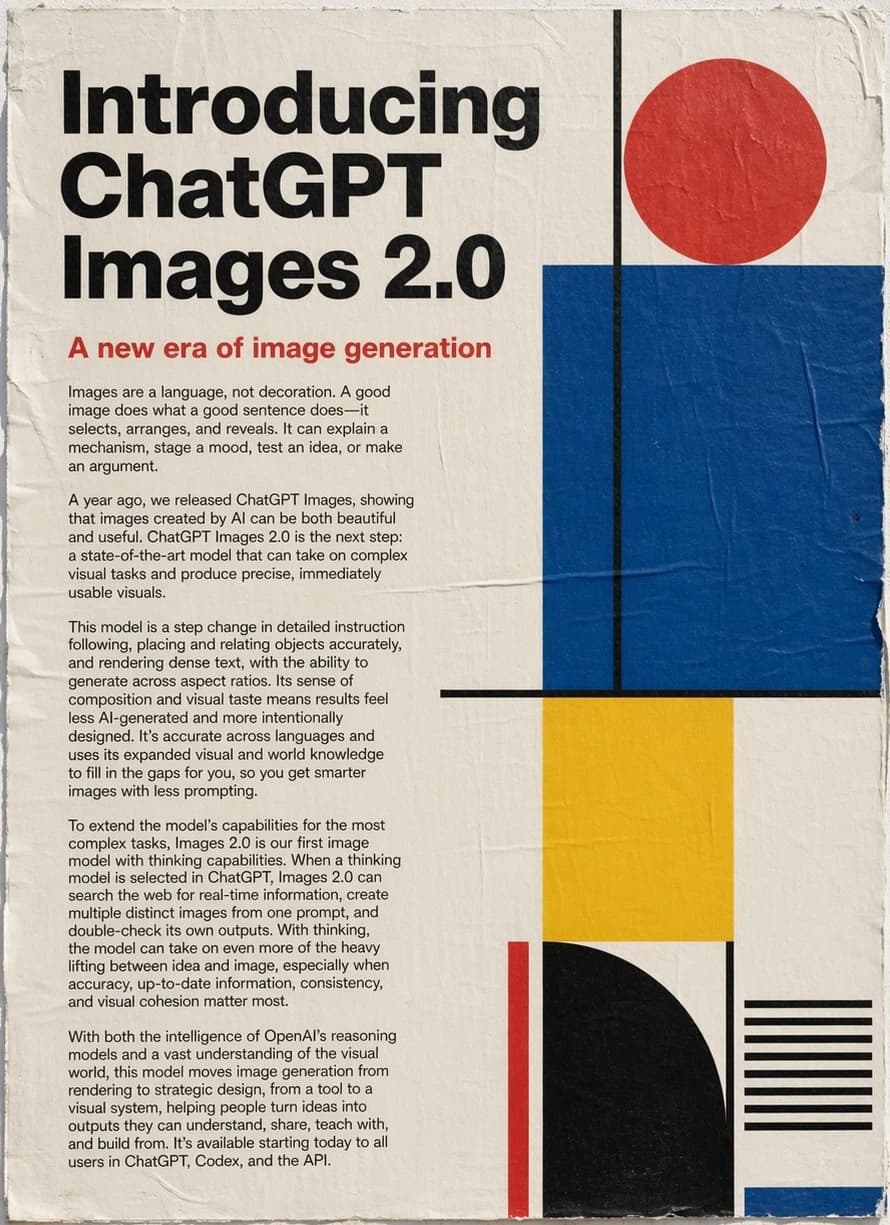
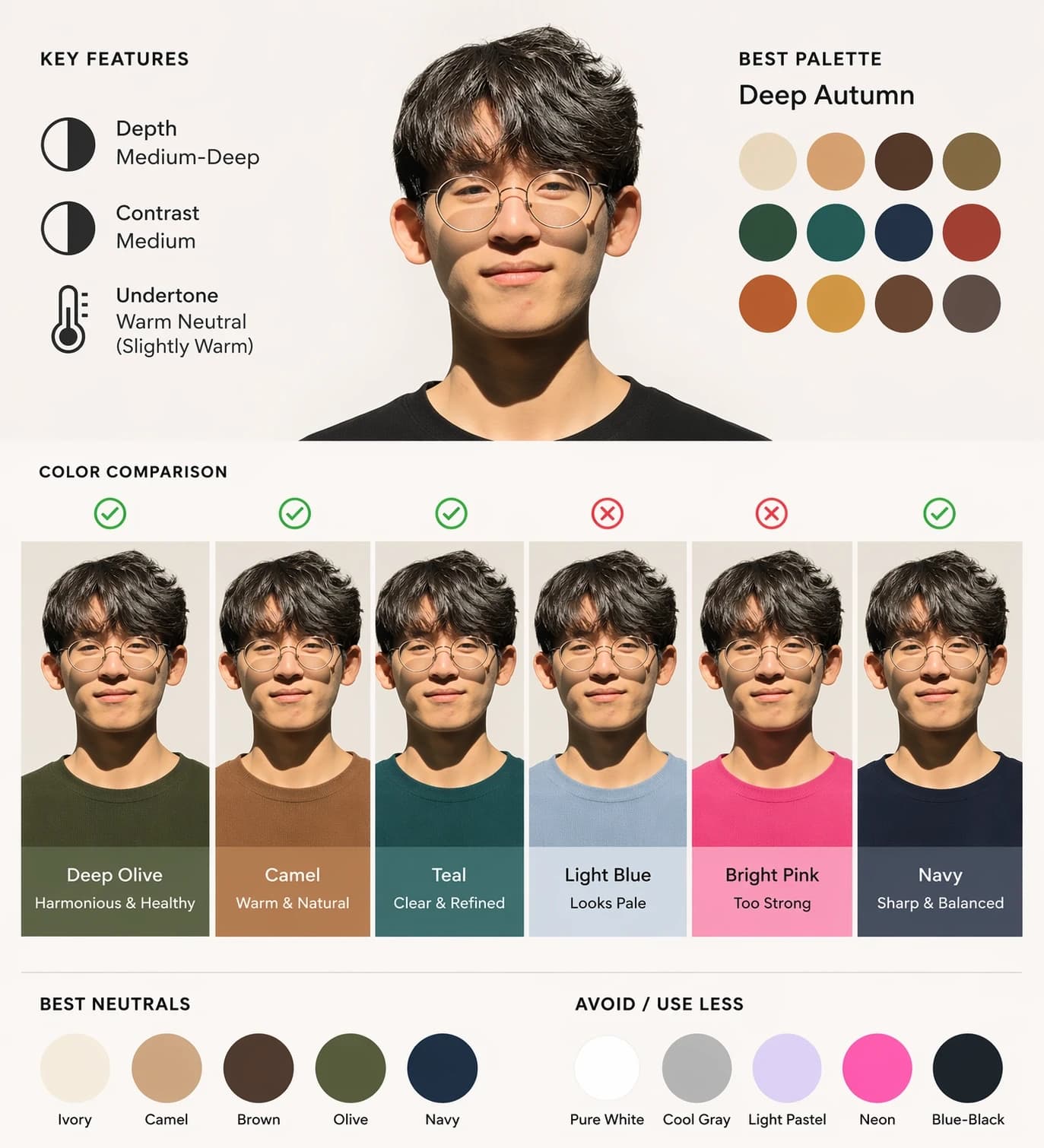
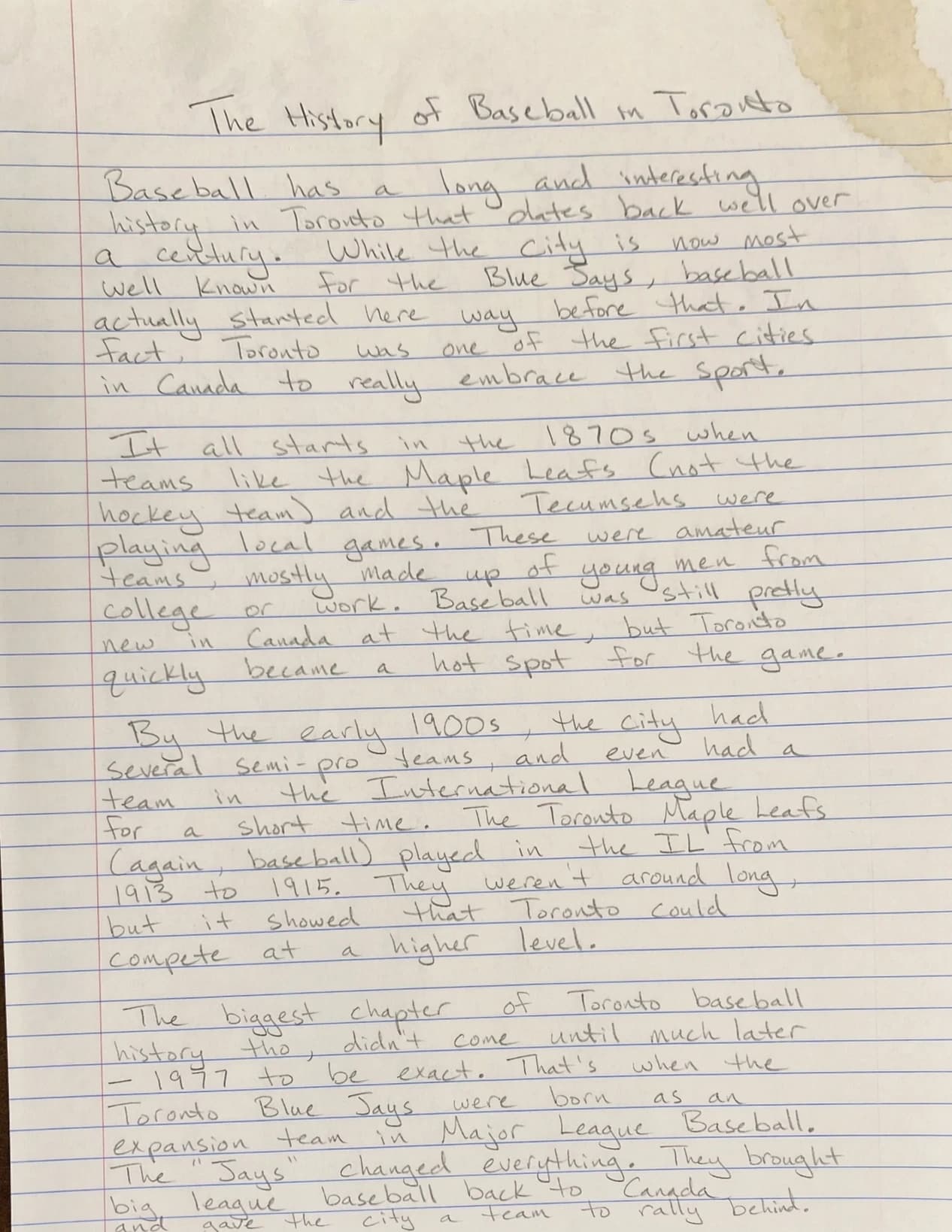
Six directions.
Zero retouching
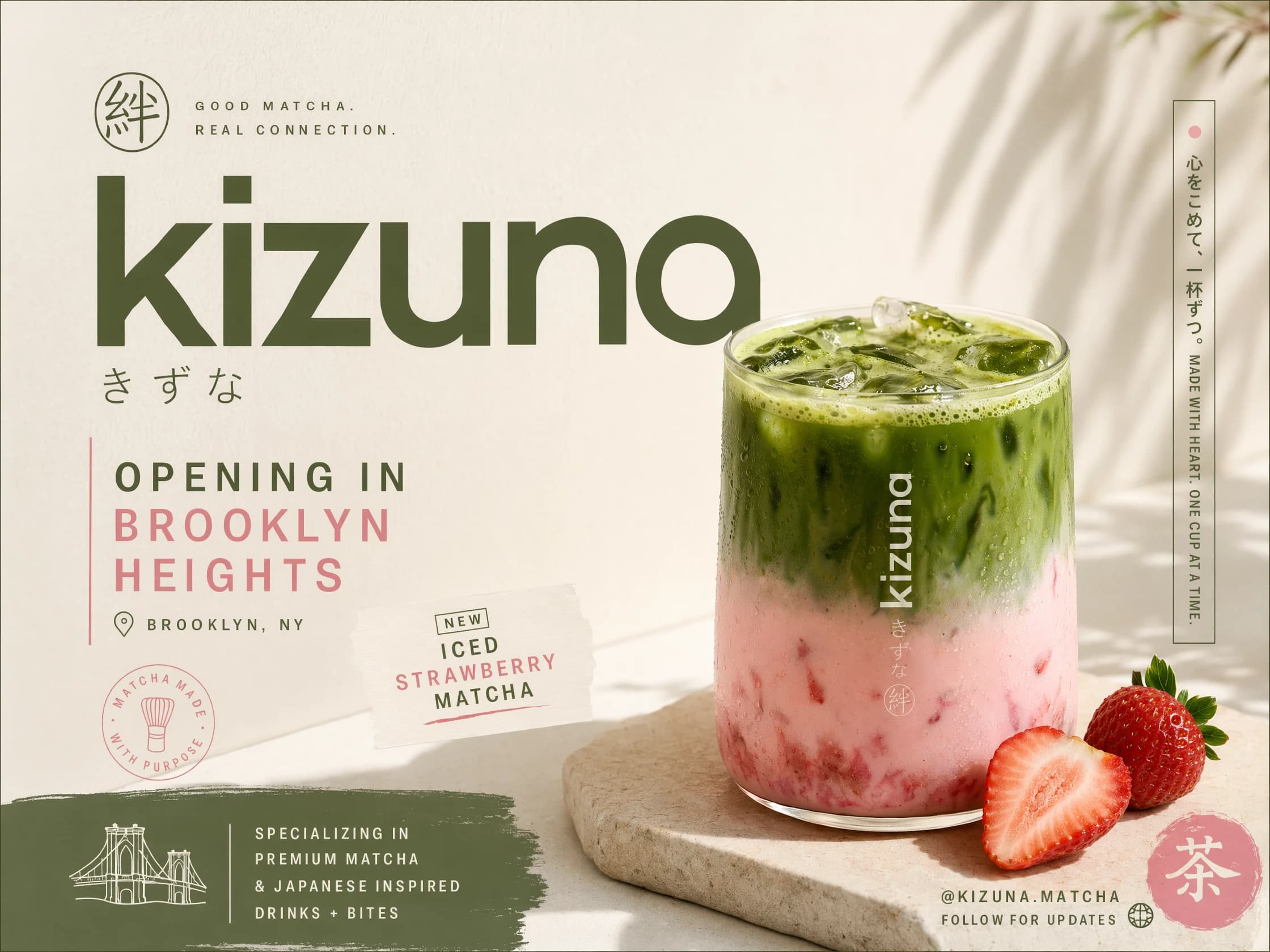
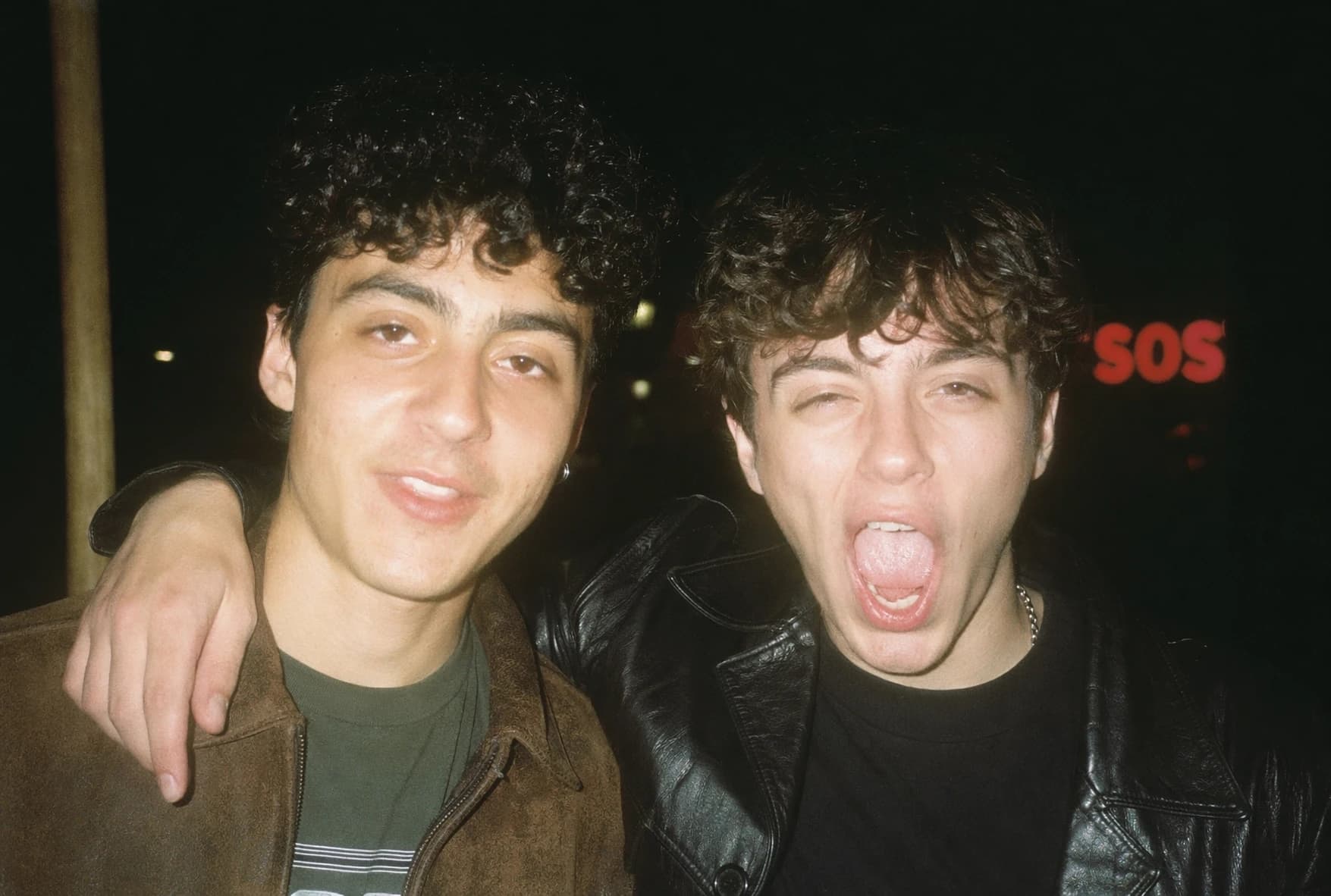
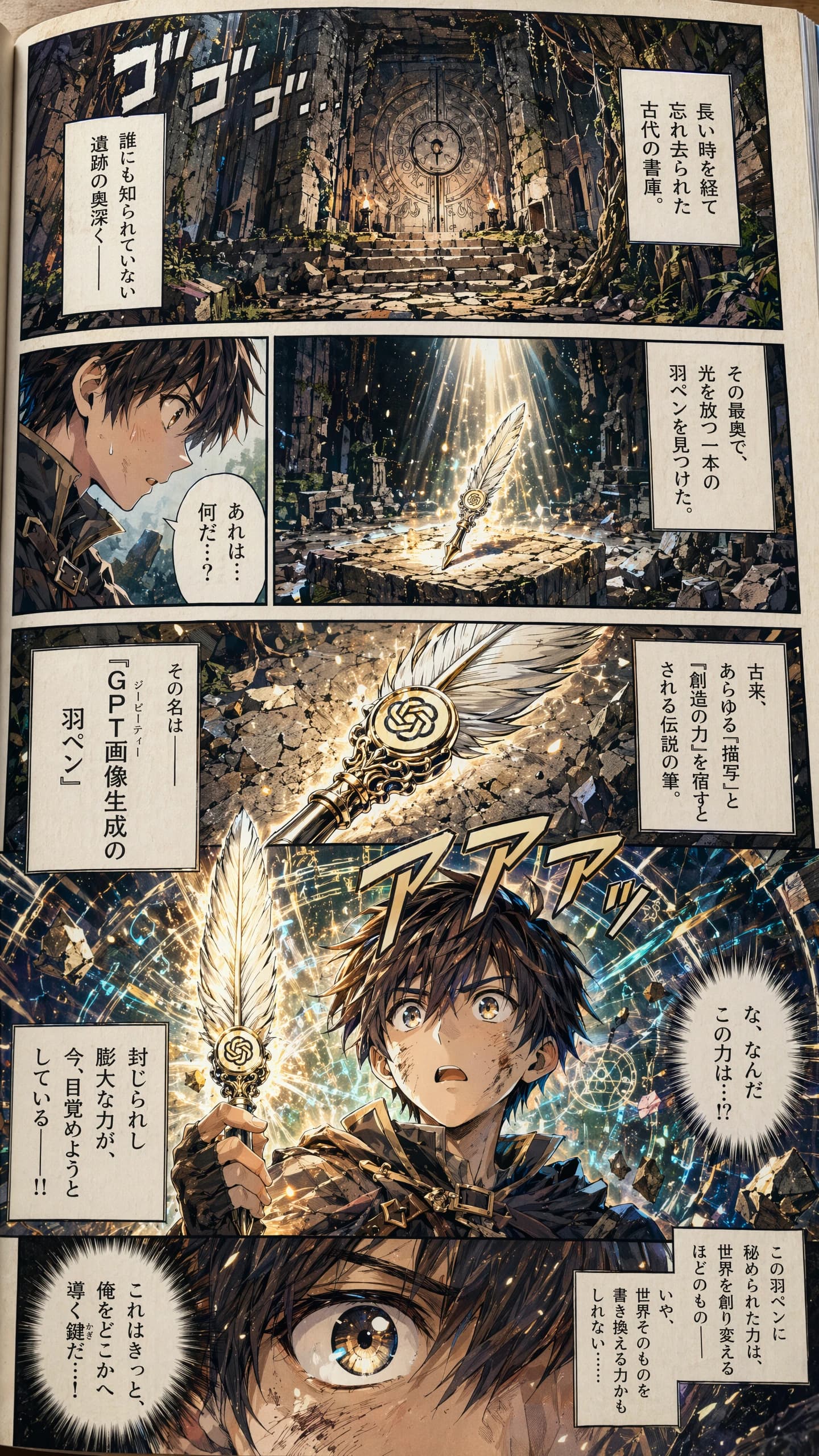
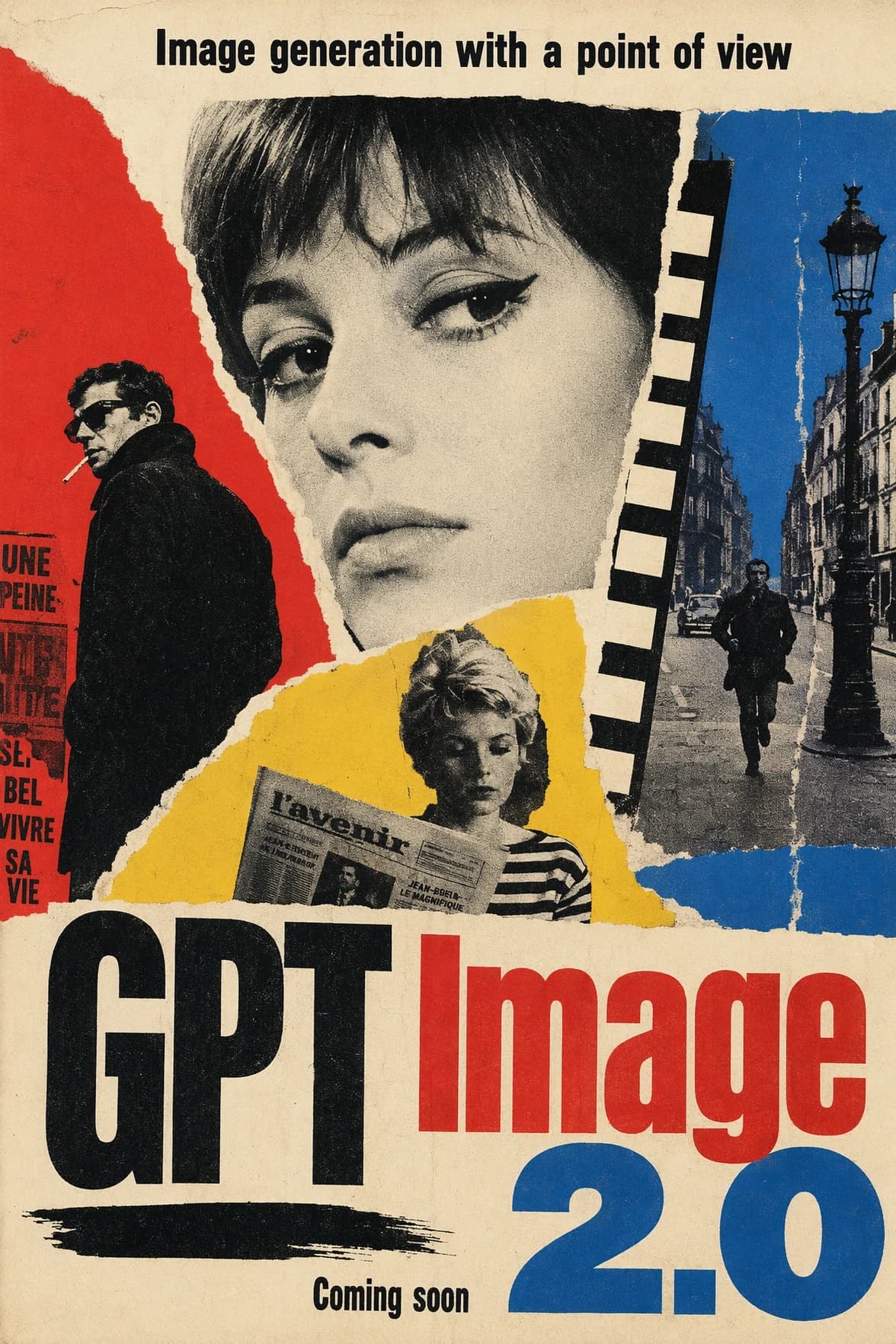
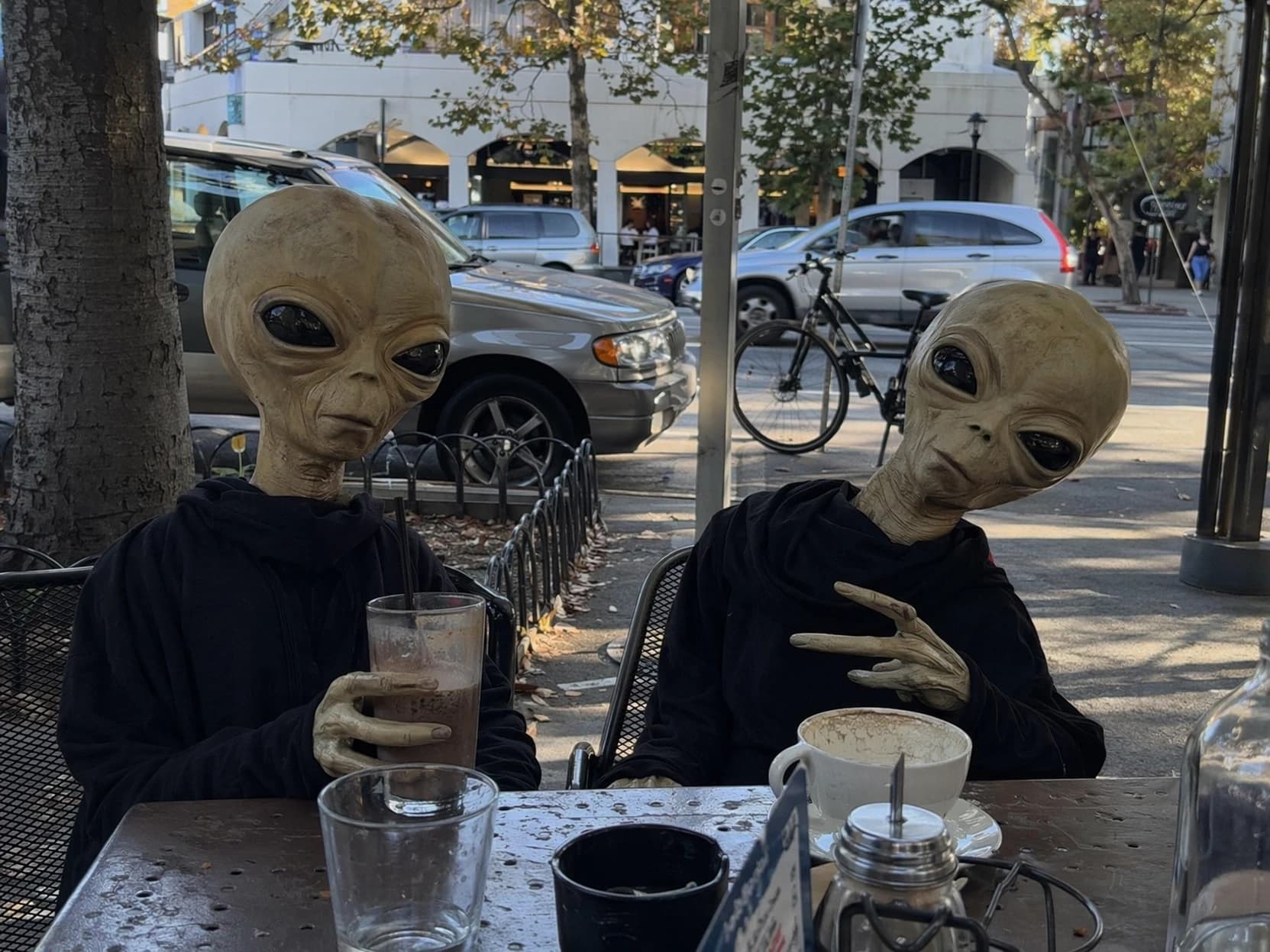
High-fidelity outputs across diverse styles—typography, editorial layouts, and cinematic stills—all rendered in a single pass.
Workflows
Where GPT Image 2 earns its keep
Not just a model picker. A complete workflow for identity lock, slide typography, and automated video pipelines.
AI influencers that stay on model
Lock a face once, then generate every scene in the series without the identity drifting. Ideal for high-fidelity character consistency and multi-turn edits.
See influencer studioTikTok slideshows with readable text
Title cards, captions, quote slides, in-image typography that actually reads. Generate a 10-slide carousel from one prompt in the Slides workspace.
Slideshow generatorProduct photography on demand
Hero shots, lifestyle variants, packaging renders. Feed a single product photo and a brief. GPT Image 2 returns the rest of the campaign at matching quality.
Try it nowStoryboards that feed image to video
Generate a shot list, then pipe each frame into Kling or Seedance to animate. Supapost's job queue handles the handoff so a whole sequence renders untouched.
Video pipelineProcess
From prompt to asset
Configure the model
Select GPT Image 2 as the active model for your team in the studio settings.
Generate or edit
Prompt from scratch, or attach reference photos plus an edit brief for local changes.
Process the output
Save to your library, attach it to an influencer, or enqueue a video render.
Publish
Schedule across social channels or export high-resolution assets for external use.
{
  "model": "openai:gpt-image-2",
  "prompt": "Editorial portrait, 35mm, warm tungsten rim light",
  "quality": "high",
  "aspectRatio": "4:5",
  "referenceImages": [
    "https://supapost.so/…/face.jpg"
  ]
}
Comparison
GPT Image 1.5 vs 2
A step forward in resolution and flexibility. For transparency and alpha channel support, GPT Image 1.5 remains available.
| Feature | GPT Image 1.5 | GPT Image 2 |
|---|---|---|
| Output | ||
| Max resolution | 1536 by 1024 | 3840 by 2160 (4K) |
| Size flexibility | Fixed presets | Long edge ≤ 3840, multiples of 16, up to 3:1 ratio |
| Architecture | Fixed token budget | Resolution adaptive model |
| Editing | ||
| Mask-based edits | Supported | Supported |
| Input fidelity | Tunable | Always high-fidelity |
| Alpha channel | Supported | Not supported |
FAQ
Questions
What is GPT Image 2?+
GPT Image 2 (model id gpt-image-2) is a model for high-resolution image generation and editing. It produces images up to 4K, edits existing images with or without masks, and streams partial frames during generation. Supapost exposes it alongside every other supported image model through one studio and one API.
How is GPT Image 2 different from GPT Image 1.5?+
Versus its predecessor, GPT Image 2 raises the resolution ceiling to native 4K output (3840 by 2160), accepts flexible aspect ratios, and uses an adaptive token model for high-fidelity image inputs. Transparent backgrounds are no longer supported, so stay on GPT Image 1.5 if you need alpha.
What image sizes does GPT Image 2 support?+
Any resolution where the long edge is 3840 pixels or less, both edges are multiples of 16, the aspect ratio is no wider than 3 to 1, and total pixels are between 655,360 and 8,294,400. Popular presets include 1024 by 1024, 2048 by 2048 (2K), and 3840 by 2160 (4K).
Can I use GPT Image 2 inside Supapost?+
Yes. Select it from the model dropdown in any workspace, or send a request to /generate/image with model set to openai:gpt-image-2. It is also available via the Supapost MCP server for agentic workflows.
Does GPT Image 2 support editing existing images?+
Yes. Attach reference images and an edit prompt, and GPT Image 2 returns a revised image that keeps the rest of the scene intact. You can also use a mask to restrict edits to a specific region.
What are the best use cases for GPT Image 2 on Supapost?+
Consistent character generations, slideshows requiring readable in-image text, product photography variants, and high-resolution keyframes for video pipelines.
Does GPT Image 2 support transparent backgrounds?+
No, gpt-image-2 produces opaque backgrounds only. If you need a transparent PNG, use GPT Image 1.5.
Start generating
Every Supapost team gets access to GPT Image 2 on day one. API and MCP included. No waitlist.